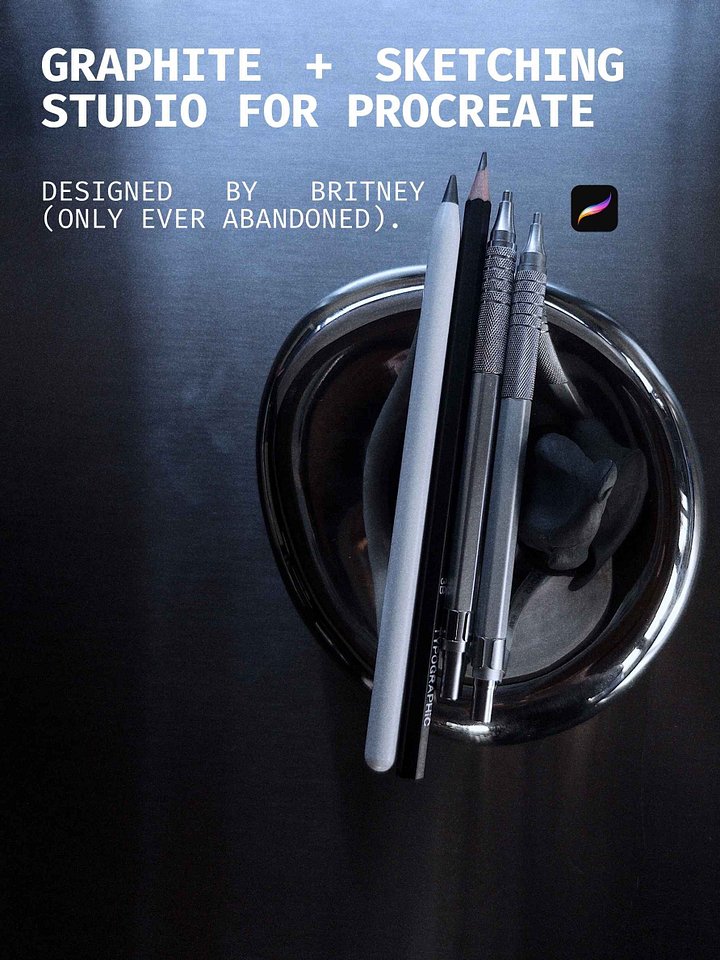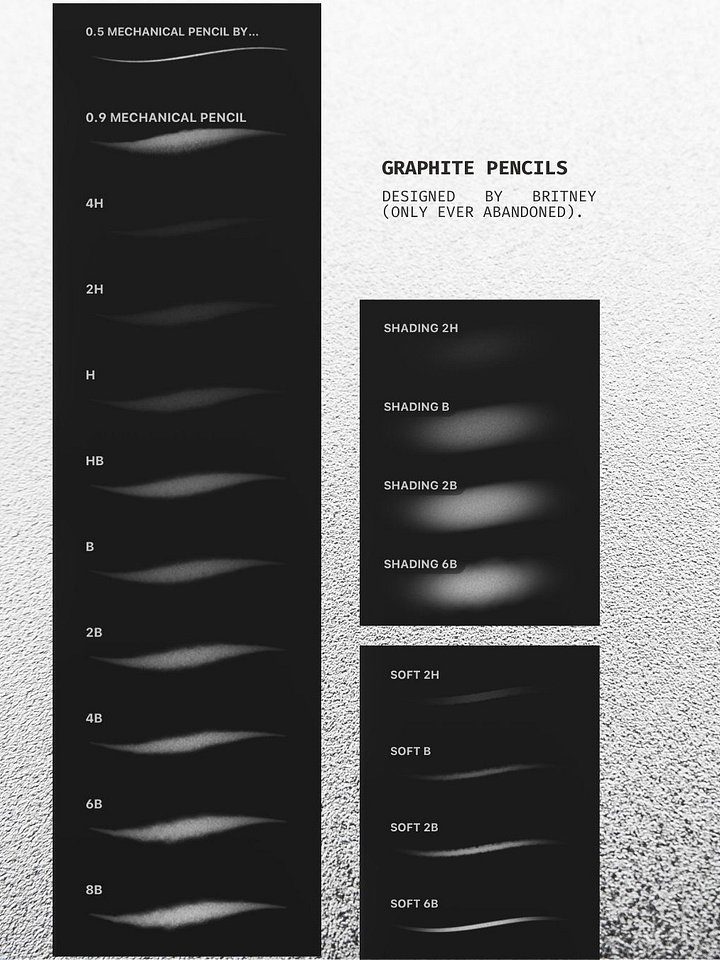
WHY I DESIGNED + MADE PROCREATE BRUSHES
People love to say drawing on an iPad isn't "real art." A while back, after hearing that one too many times, I picked up a standard ballpoint pen and physical paper purely out of spite to prove them wrong.
What I realised was humbling: physical media is unforgiving, but the iPad was the exact reason I could do it in the first place. The screen gave me a low-stakes sandbox to master facial mapping, light source logic, and basic anatomy without burning through expensive pads of paper or quitting every time I made a mistake. When I returned to the iPad after mastering physical ink, I realised drawing on smooth glass is actually harder in a lot of mechanical ways.
The goal here isn't to replace physical art, it's to remove the friction holding you back from starting, so you can build the muscle memory you need to eventually conquer the real thing.
Full disclosure: I am not a tech developer, I’m an artist. I had to learn the backend of Procreate’s brush engine the hard way because every digital tool I was able to find out there felt fake. It’s an honest, hand-built digital studio created by an artist who just wanted the screen to behave like the real thing.
COST
Saying an iPad is cheaper sounds crazy given the upfront price tag, but do the math on physical art supplies.
To explore mediums properly, you aren't just buying a pencil. You need smooth bristol board for clean pencil drafts, heavy cold-press sheets for paint, toothy textured paper for ballpoint drag, lightboxes, projectors, replacement nibs, and dozens of medium types just to figure out what you actually enjoy.
On an iPad, your mistakes are files, not wasted $30 sketchbooks. You make an initial investment, and suddenly every pen, pencil, canvas, and reference layer is stored inside one screen with zero ongoing supply costs.
FRICTION + CONVENIENCE
When creative motivation strikes, you have a narrow window to act on it. If sitting down to draw requires clearing a desk, hauling out storage tubs, setting up lightpads, printing reference photos, and taping down paper, the friction will kill your drive before you even lay down a line.
An iPad removes the excuses. You pull it out on the couch, pull down the opacity on a rough draft, sketch your clean linework in a fresh layer, and get straight to creating.
WHY I MADE THESE EXACT BRUSHES
Default digital pens feel like drawing with plastic on glass, uniform opacity, zero resistance, and no real-world ink buildup. Most ballpoint digital brushes just look like flat blue gel pens.
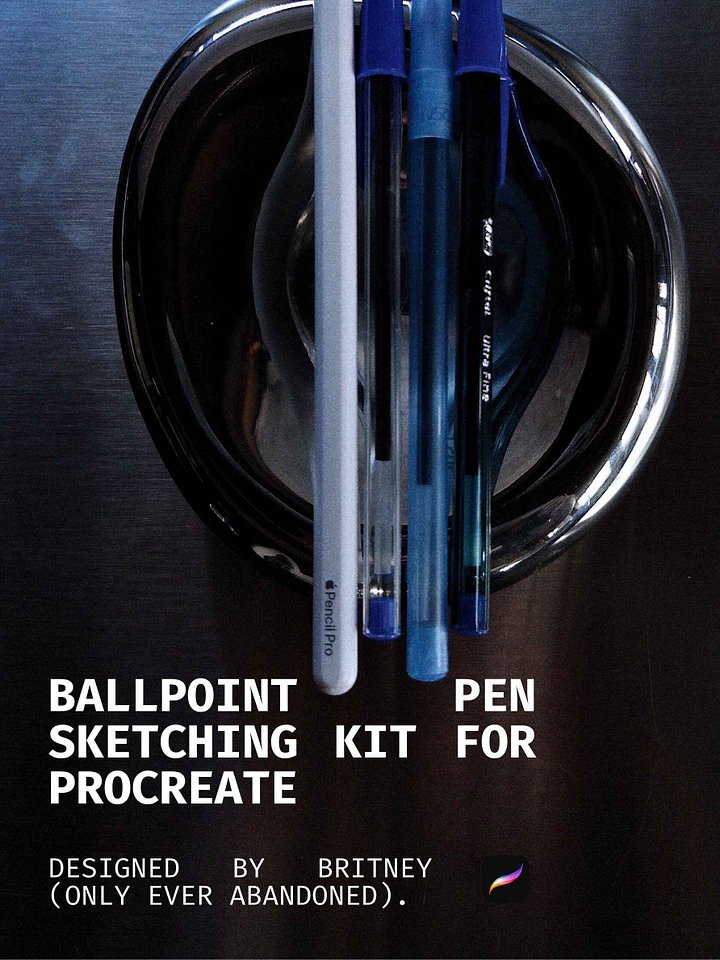
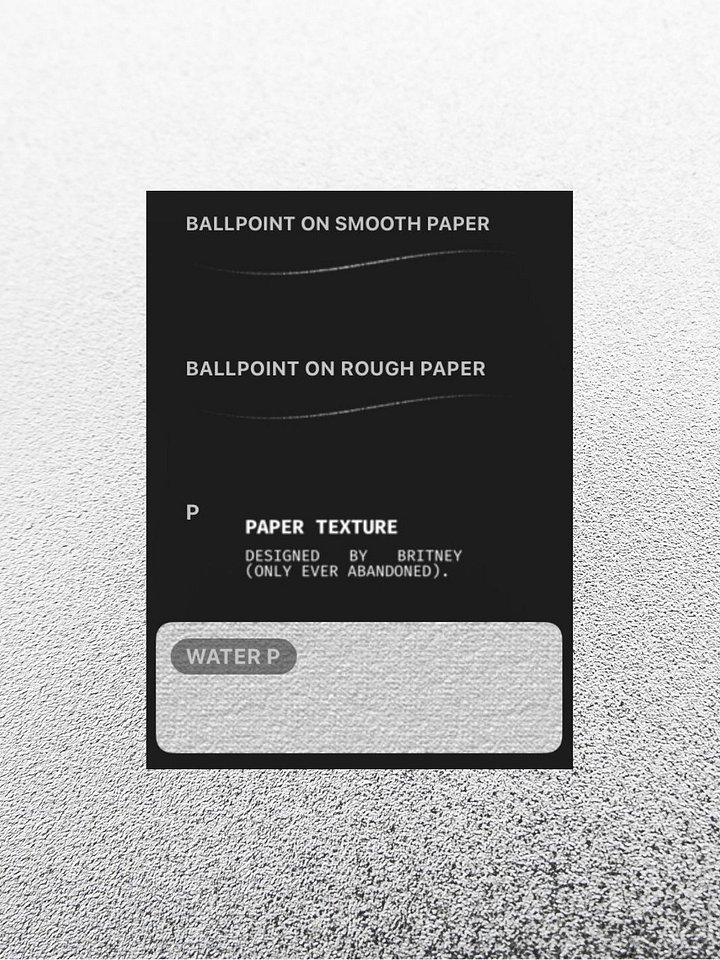
This custom Procreate ballpoint brush was engineered directly from the physical experience of working with standard Bic pens on heavy stock. It responds to feather-light pressure for initial shading maps and builds into rich, greasy darks on repeated passes. It’s built to be an honest stepping stone: if you learn to control pressure with this brush on a screen, picking up a physical pen will feel like second nature.
ADDITIONAL VIDEOS
Want to learn more about why I made Procreate Brushes? Watch these.